Smart Home Installation Cost: Cameras, Locks, Thermostats, Wi-Fi
Per-device smart home installation prices, when wiring adds cost, and what a whole-home setup should really run.
Updated 2026-08-01
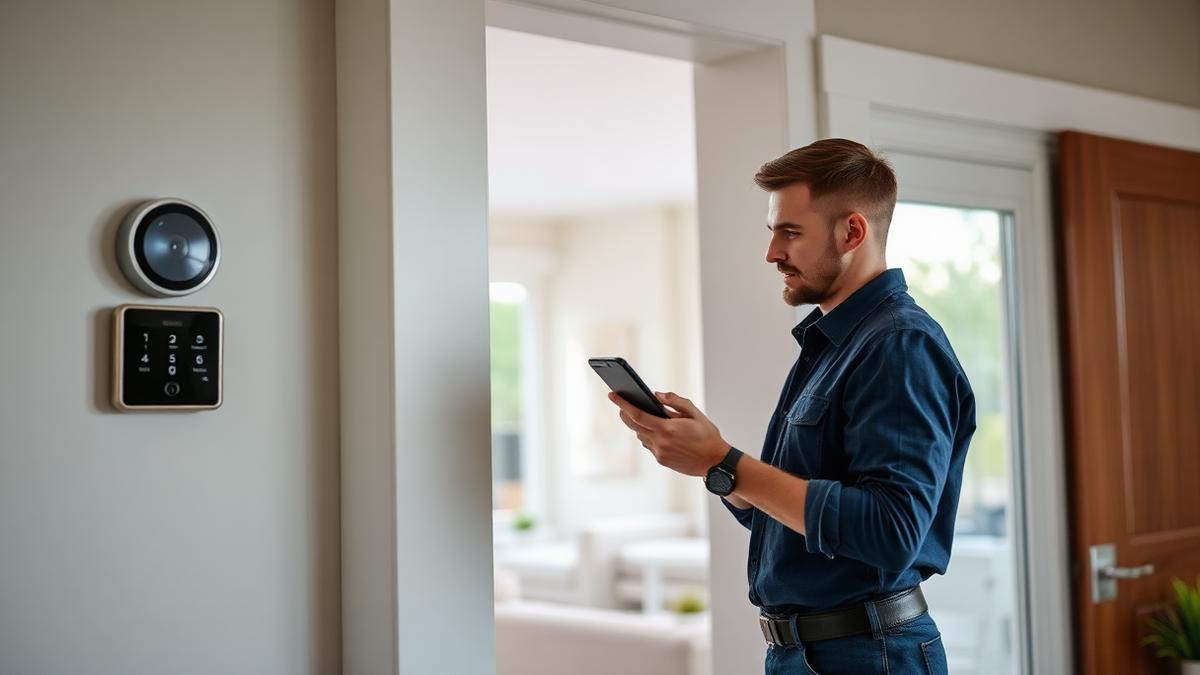
Smart home installation is priced per device, with a minimum visit fee. Where prices diverge is wiring: a battery doorbell is a 20-minute job, a wired one with a transformer swap is an electrical job.
Mesh Wi-Fi is the foundation everyone skips. Half of all smart home complaints are actually coverage problems, not device problems.
Ask up front whether the installer works in your ecosystem — Apple Home, Google Home, Alexa or Home Assistant — because integration is the part that takes skill.
Typical price
A typical starter package — doorbell, thermostat, two cameras and mesh Wi-Fi — lands at $450–$750.
Price breakdown
| Item | Typical price | Notes |
|---|---|---|
| Minimum visit / first device | $80 – $150 | Covers the trip. |
| Smart thermostat | $100 – $200 | C-wire adds cost if missing. |
| Video doorbell (existing wiring) | $80 – $150 | Transformer swap extra. |
| Smart lock | $80 – $160 | Door prep if the bore is wrong. |
| Indoor camera | $60 – $120 each | Cheaper in multiples. |
| Outdoor camera (wired) | $150 – $300 each | Includes cable run. |
| Mesh Wi-Fi (3 nodes) | $150 – $350 | Placement and testing included. |
| Whole-home setup | $400 – $1,200 | 8–15 devices, scenes configured. |
| Scene / automation programming | +$60 – $150 | Routines, schedules, geofencing. |
What drives the price
- Whether existing wiring supports the device (C-wire, doorbell transformer, PoE).
- Number of devices — per-unit price drops with volume.
- Ecosystem complexity and whether a hub is required.
- Cable runs through attics, crawlspaces or exterior walls.
- Home size, which drives Wi-Fi node count.
How to pay less
- Install everything in one visit rather than device by device.
- Choose battery devices where reliability allows to avoid wiring labor.
- Buy hardware yourself during sale events; pay only for labor.
- Fix Wi-Fi coverage first — it prevents a second troubleshooting visit.
- Stick to one ecosystem to avoid hub costs and integration time.
Questions to ask before you book
- Do you work with Apple Home, Google Home or Alexa?
- Does my HVAC have a C-wire, and what if it doesn't?
- Will you run wire in walls or use surface mounting?
- Do you configure automations, or just install hardware?
- What support do you offer if a device drops off the network?
Red flags
- No Wi-Fi assessment before installing a dozen wireless devices.
- Running low-voltage cable through walls with no fire-block awareness.
- Refusing to hand over admin credentials for your own system.
Frequently asked questions
- Can I install smart home devices myself?
- Battery devices, yes. Anything requiring a C-wire, doorbell transformer, or in-wall cabling is where installers earn their fee.
- How much is a full smart home?
- $400–$1,200 in labor for a typical 8–15 device home, on top of the hardware cost.
- Do I need a hub?
- Only for Zigbee/Z-Wave or Matter-over-Thread devices. Wi-Fi devices connect directly but load your network.